Royale Ritz 777 Verification Error: ID Upload and Account Approval Issues
Why Royale Ritz 777 Verification Matters
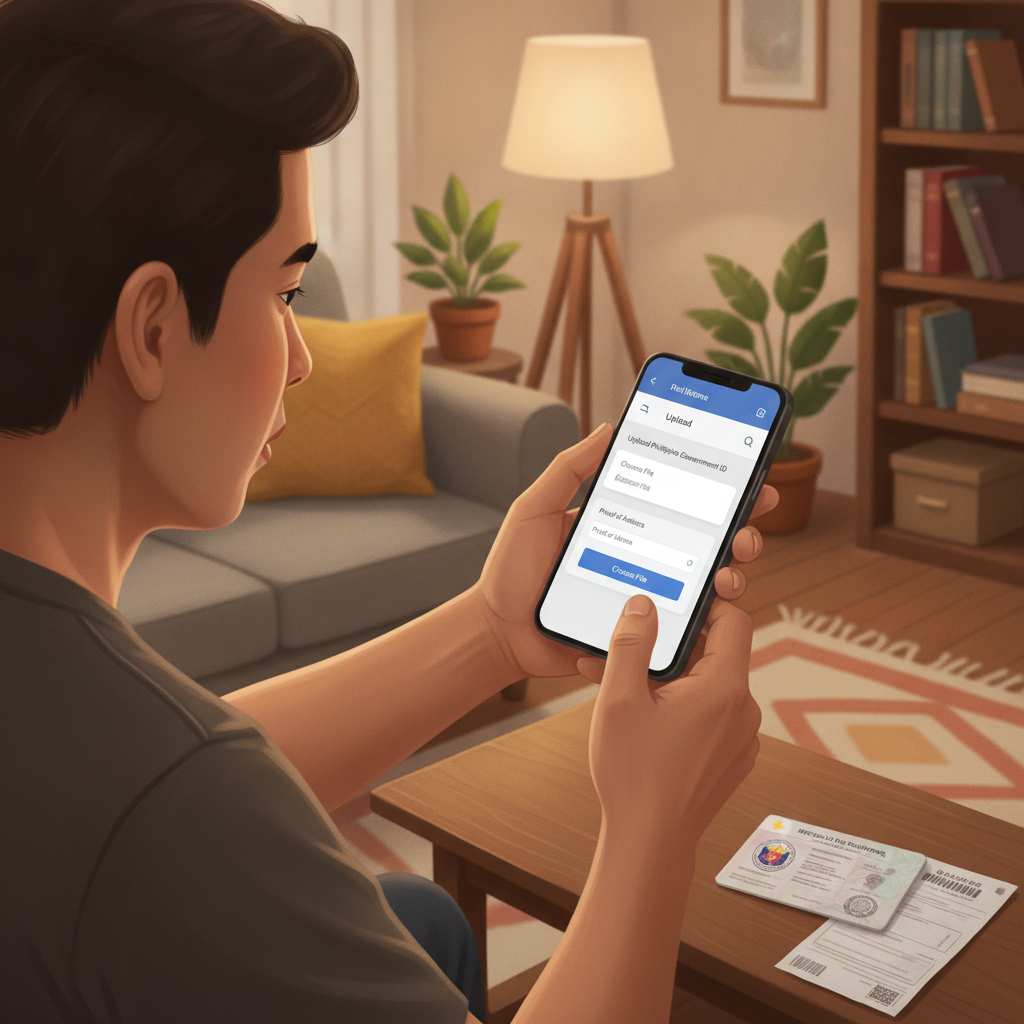
Royale Ritz 777 requires identity verification before players can withdraw winnings. This KYC (Know Your Customer) check confirms you are 21 years or older and that your account details match your real identity. Many Filipino players encounter verification errors during ID upload or account approval, often when attempting their first cashout to GCash, Maya, or bank transfer.
This guide explains the common causes of Royale Ritz 777 verification failures and what to do when your documents are rejected or stuck in review.
21+ only. Play responsibly and within your means.
Common ID Verification Requirements at Royale Ritz 777
Royale Ritz 777 typically asks for three types of documents during KYC verification:
Valid government-issued photo ID
Accepted IDs usually include:
- Philippine passport
- Driver's license
- UMID (Unified Multi-Purpose ID)
- SSS or PhilHealth ID
- Postal ID
- National ID (ePhilID)
The platform will request a clear photo or scan showing your full name, date of birth, photo, and ID number. Expired IDs are generally not accepted.
Selfie with ID or verification code
Royale Ritz 777 may ask you to upload a selfie holding your government ID next to your face, or holding a handwritten note with the current date and a verification code they provide. This confirms that the person submitting the documents is the actual ID holder.
Proof of address (sometimes required)
If requested, proof of address can be a recent utility bill, bank statement, or government correspondence showing your name and residential address. The document should be dated within the last three months.
Your uploaded documents must match the name on your Royale Ritz 777 account and the name on your GCash, Maya, or bank account used for deposits and withdrawals.
Why ID Uploads Fail: Common Technical Issues
Many Royale Ritz 777 players see "Upload Failed" or "Document Not Accepted" messages. Here are the typical reasons:
File Size Too Large or Too Small
Royale Ritz 777 sets file size limits for uploads, often between 500 KB and 5 MB per file. Photos taken on newer Android phones can exceed 5 MB, especially if captured in high resolution. Compress the image using your phone's built-in photo editor or a free app before uploading. Conversely, files smaller than 100 KB may appear too low-quality to verify.
Blurry or Low-Quality Photos
Blurred images are the most common reason for rejection. When taking photos of your ID:
- Use good lighting (avoid shadows or glare)
- Hold the camera steady or rest it on a flat surface
- Ensure all text and your photo on the ID are sharp and readable
- Avoid zooming in too much or cropping out ID edges
If your phone camera struggles in low light, take the photo near a window during daytime or under a bright lamp.
Mismatched Names or Incorrect Information
Royale Ritz 777 will reject documents if:
- The name on your ID does not match the name you registered with
- Your account name uses a nickname or shortened version (e.g., "JM Santos" on the account but "Juan Miguel Santos" on the ID)
- You uploaded someone else's ID by mistake
Double-check that your Royale Ritz 777 account name, ID, and e-wallet or bank account all show the same legal name. If there is a mismatch, contact customer support before uploading again.
Wrong File Format
The platform typically accepts JPG, JPEG, or PNG files. Some players accidentally upload PDFs, HEIC files (iPhone default), or other formats that the system rejects. Convert or save your image as a JPG before uploading.
Partial or Cut-Off ID
Make sure the entire ID is visible in the frame. All four corners and edges should be in the photo. Cropped or partially visible IDs are usually rejected.
How Long KYC Verification Takes at Royale Ritz 777
After you submit your documents, Royale Ritz 777's compliance team reviews them manually. Processing times vary:
- Standard review: 24 to 72 hours (1 to 3 business days) for most uploads
- Peak periods: Verification may take longer during weekends, holidays, or high-traffic periods when many players are withdrawing
- Resubmissions: If your documents are rejected and you upload new files, the review clock resets
You should receive an email or account notification once verification is approved or if additional documents are needed. Some players report seeing account status updates in the Royale Ritz 777 app under "My Account" or "Verification Status."
If your withdrawal is pending, it will not process until KYC is complete. Plan ahead if you need funds quickly—submit verification documents as soon as possible, even before requesting your first cashout.
What to Do If Documents Are Rejected
If Royale Ritz 777 rejects your ID upload, follow these steps:
Check the Rejection Reason
The platform usually sends an email or in-app message explaining why your document was rejected (e.g., "blurry image," "name mismatch," "expired ID"). Read the message carefully before resubmitting.
Retake Photos with Better Quality
If the issue was image quality:
- Clean your phone camera lens
- Use a plain, contrasting background (place your ID on a dark surface if it has a light background)
- Take multiple shots and choose the clearest one
- Ensure the entire ID fits in the frame with no shadows or reflections
Correct Name Discrepancies
If your registered name does not match your ID:
- Contact Royale Ritz 777 customer support via live chat or email
- Explain the discrepancy (e.g., middle name missing, nickname used)
- Ask if you can update your account name or provide a supplementary document
In some cases, the support team can manually adjust your account details if you provide a valid explanation and correct documents.
Submit Alternative ID
If your primary ID is expired or unreadable, upload a different government-issued ID from the accepted list. Make sure it is current and shows your full legal name.
Follow Up If There Is No Response
If you resubmitted documents but have not heard back within three business days:
- Log in to Royale Ritz 777 and check your account notifications or message center
- Contact customer support through live chat (usually available in the app or website)
- Provide your account username or registered email, and ask for an update on your verification status
Avoid uploading the same documents multiple times without changes, as this can delay the review further.
What to Do If Verification Is Stuck or Pending
Sometimes KYC verification gets stuck in "Pending" status for several days with no update. Here is what to do:
Wait the Full Processing Window
Give the platform at least 72 hours (three business days) from your submission before following up. Most legitimate reviews complete within this timeframe.
Check Your Email and Spam Folder
Royale Ritz 777 may have sent a request for additional documents or clarification, and the email might have landed in your spam or promotions folder. Check there before assuming your submission is simply delayed.
Contact Customer Support Directly
If the 72-hour window has passed:
- Use the Royale Ritz 777 live chat or email support
- Provide your account details and mention when you submitted documents
- Politely ask for a status update and whether any additional information is needed
Customer support can often escalate stuck cases to the compliance team.
Ensure Your Account Is Active
If your account was flagged for any reason (e.g., multiple login attempts, unusual betting patterns), verification may be held up. Support can clarify if there are any account restrictions.
Tips to Avoid Future Verification Problems
- Submit KYC documents early: Upload your ID before you request your first withdrawal. This prevents delays when you want to cash out.
- Use the same legal name everywhere: Your Royale Ritz 777 account, GCash or Maya account, and government ID should all show the same name.
- Keep your ID current: Renew expired IDs before submitting them for verification.
- Take high-quality photos: Use good lighting and a steady hand, and double-check images for clarity before uploading.
- Respond quickly to requests: If Royale Ritz 777 asks for additional documents, provide them as soon as possible to avoid further delays.
Final Reminder: 21+ and Responsible Gambling
Royale Ritz 777 is for players aged 21 and over. Identity verification helps ensure the platform complies with age and identity requirements.
Play responsibly. Set deposit limits, take breaks, and never bet more than you can afford to lose. If you feel gambling is becoming a problem, seek help or consider self-exclusion options.
For questions about Royale Ritz 777 verification errors, ID upload issues, or account approval delays, contact the platform's customer support team directly. This guide is for informational purposes and is not affiliated with Royale Ritz 777.