Royale Ritz 777 Login Problems: Can't Sign In on Android or iOS
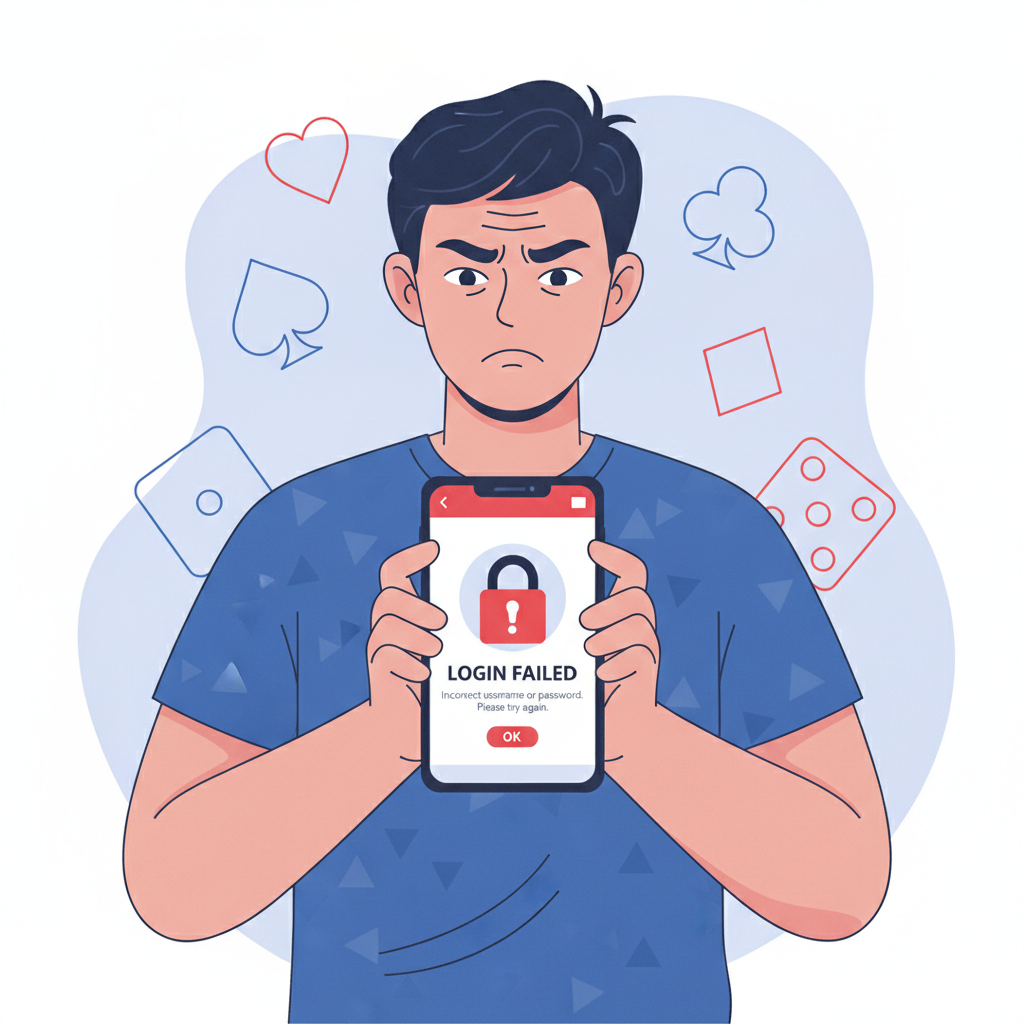
Royale Ritz 777 Login Problems: Can't Sign In on Android or iOS
Login problems can stop you from placing bets or checking your balance on Royale Ritz 777. This guide walks through the most common sign-in errors on Android and iOS, and how to fix them so you can get back into your account.
This is an independent guide site. Royale Ritz 777 is a separate operator. Players must be 21 years or older. Set deposit limits and play responsibly.
Forgotten Password Reset for Royale Ritz 777 Account
If you can't remember your password, Royale Ritz 777 provides a reset option directly on the login screen.
Steps to reset your password:
- Open the Royale Ritz 777 app or website
- Tap "Forgot Password?" below the login fields
- Enter the mobile number or email address you used during registration
- Check your phone for an SMS code or your email inbox for a reset link
- Follow the link or enter the code when prompted
- Create a new password—use at least 8 characters, mixing letters and numbers
- Confirm the new password and save
If you don't receive the reset code:
- Check your spam or junk folder if you requested an email link
- Verify you entered the correct registered mobile number or email
- Wait 2–3 minutes; SMS delivery can be delayed during peak hours
- Request the code again if nothing arrives after 5 minutes
If the reset link says "expired":
Password reset links from Royale Ritz 777 are usually valid for 15–30 minutes. If you opened an old email, request a fresh reset link and use it immediately.
Still can't reset?
Contact Royale Ritz 777 customer support through their live chat or email. Have your registered mobile number and any account details ready to verify your identity. Support may ask for the last four digits of a recent GCash or Maya deposit to confirm ownership.
'Account Locked' or 'Invalid Credentials' Error Messages
Seeing "Account locked" or "Invalid credentials" means Royale Ritz 777's system has flagged something that blocks your login.
Invalid Credentials
This error appears when your username, mobile number, or password doesn't match what Royale Ritz 777 has on file.
How to fix it:
- Double-check spelling and capitalization—passwords are case-sensitive
- Make sure you're using your registered mobile number, not a different one
- Try the "Forgot Password?" reset if you're unsure
- Clear any auto-fill data in your browser or phone keyboard that might insert the wrong details
Account Locked After Multiple Failed Attempts
Royale Ritz 777 may temporarily lock your account if you enter the wrong password several times in a row—usually three to five attempts.
What to do:
- Wait 15–30 minutes, then try logging in again with the correct password
- Use the password reset process if you're locked out and can't remember your credentials
- Do not keep guessing; repeated failed attempts can extend the lock period
Account Suspended or Under Review
If the error says "Account suspended" or "Under review," Royale Ritz 777 may be verifying your identity or investigating account activity.
Common reasons:
- Pending ID verification after registration
- Multiple devices or IP addresses used in a short time
- Withdrawal request triggered additional security checks
- Account-sharing or login from outside the Philippines
Next steps:
Contact Royale Ritz 777 support immediately. Provide your registered mobile number and ask why your account is locked. You may need to submit a valid government ID (driver's license, passport, or UMID) and a selfie to prove ownership. Processing can take 24–48 hours once you send the documents.
App Won't Load Login Screen or Keeps Crashing on Mobile
If the Royale Ritz 777 app crashes, freezes, or never shows the login page, the problem is usually with the app installation, your device storage, or outdated software.
App Crashes on Startup
Try these fixes:
- Force-close and restart: Swipe up (iOS) or tap Recent Apps (Android), swipe away Royale Ritz 777, then reopen it.
- Clear app cache (Android): Go to Settings > Apps > Royale Ritz 777 > Storage > Clear Cache. This removes temporary files without deleting your login details.
- Restart your phone: A full reboot clears memory conflicts that can cause crashes.
- Check for app updates: Open the site where you downloaded the APK (Android) or the App Store link Royale Ritz 777 provided (iOS) to see if a newer version is available.
Login Screen Is Blank or Won't Load
Possible causes and solutions:
- Slow or unstable connection: The app needs data to load account screens. Test your connection (see next section).
- Corrupted app files: Uninstall Royale Ritz 777, then download a fresh APK (Android) or reinstall via the official link (iOS). Make sure you're using the latest version from Royale Ritz 777's site, not a third-party mirror.
- Insufficient storage: Free up at least 500 MB of space. Delete unused apps, old photos, or cached data.
- Outdated operating system: Royale Ritz 777's app may require Android 6.0 or iOS 12.0 and above. Check your phone's software version under Settings > About Phone (Android) or Settings > General > About (iOS), and update if needed.
App Installs but Icon Is Grayed Out or Won't Open (Android)
If you downloaded the Royale Ritz 777 APK but can't launch it, you may need to enable installation from unknown sources again or verify the APK isn't corrupted.
Steps:
- Go to Settings > Security > Install Unknown Apps (or Settings > Apps > Special Access > Install Unknown Apps on some phones)
- Find your browser (Chrome, Firefox, etc.) or file manager and confirm permission is on
- If the icon is still unresponsive, delete the app and re-download the APK from Royale Ritz 777's official site
- Some phones require you to disable Play Protect temporarily; go to Play Store > Profile > Play Protect > Settings and turn off "Scan apps with Play Protect" before installing
iOS App Won't Install or "Untrusted Developer" Warning
For iOS, Royale Ritz 777 may distribute the app via an enterprise certificate or TestFlight link.
If you see "Untrusted Enterprise Developer":
- Go to Settings > General > VPN & Device Management (or Profiles & Device Management)
- Tap the Royale Ritz 777 profile
- Tap Trust and confirm
If the app still won't open, the certificate may have expired. Contact Royale Ritz 777 support for a new installation link.
Network Connection Issues Blocking Login Attempts
A weak or unstable internet connection is one of the most common reasons login fails on Royale Ritz 777, especially on mobile data in provinces with spotty coverage.
Check Your Connection
Quick tests:
- Open a browser and load a simple website (like Google) to confirm internet access
- Run a speed test—Royale Ritz 777 login typically needs at least 1–2 Mbps
- Switch between mobile data and Wi-Fi to see if one works better
Mobile Data Issues
If you're using mobile data:
- Confirm you have an active load or data plan; check your balance with your telco's app or USSD code
- Move to a spot with stronger signal—poor LTE or 3G can time out during login
- Disable then re-enable mobile data in Settings > Network & Internet (Android) or Settings > Cellular (iOS)
- Restart your phone to reset the mobile connection
Wi-Fi Issues
If you're on Wi-Fi:
- Restart your router by unplugging it for 10 seconds
- Forget the Wi-Fi network on your phone, then reconnect and re-enter the password
- Check if other devices on the same Wi-Fi can browse normally—if not, the issue is with your internet service provider, not Royale Ritz 777
VPN or Proxy Interference
Some VPN apps or proxy settings can block Royale Ritz 777's login servers, especially if the VPN routes traffic outside the Philippines.
What to do:
- Disable any VPN or proxy app before opening Royale Ritz 777
- If your workplace or school network blocks gambling sites, switch to mobile data
DNS or Firewall Blocks
Occasionally, your internet provider or mobile carrier may filter certain domains.
Workaround:
- Change your DNS to a public resolver like Google DNS (8.8.8.8 and 8.8.4.4) or Cloudflare (1.1.1.1). On Android, go to Settings > Network & Internet > Private DNS; on iOS, you can set DNS in Settings > Wi-Fi > Configure DNS.
- If you suspect carrier-level blocking, try a different network (switch from Globe to Smart, or vice versa) or contact your ISP.
"Request Timed Out" or "Server Not Responding"
If Royale Ritz 777's login page never loads, the site's servers may be down for maintenance or experiencing high traffic.
Steps:
- Wait 10–15 minutes and try again
- Check Royale Ritz 777's official social media or Telegram channel for maintenance announcements
- Clear your browser cache or app cache, then retry
If the problem persists for hours, reach out to customer support via live chat or email to confirm server status.
21+ Only – Play Responsibly
Royale Ritz 777 is restricted to players 21 years of age and older. Gambling should be a form of entertainment, not a way to make money. Set deposit limits in your account settings or through your GCash or Maya app to control spending. If you feel you're losing control, contact the National Center for Mental Health Crisis Hotline at 0917-899-USAP (8727) or visit NCMH.gov.ph for confidential support. Never chase losses, and take regular breaks from betting.
Summary: Most Royale Ritz 777 login problems—forgotten passwords, account locks, app crashes, or network errors—can be solved with a password reset, clearing cache, updating the app, or switching networks. If these steps don't work, contact Royale Ritz 777 support with your registered mobile number and account details for further help.