Royale Ritz 777 GCash Deposit: Step-by-Step PHP 100-500 Funding Guide
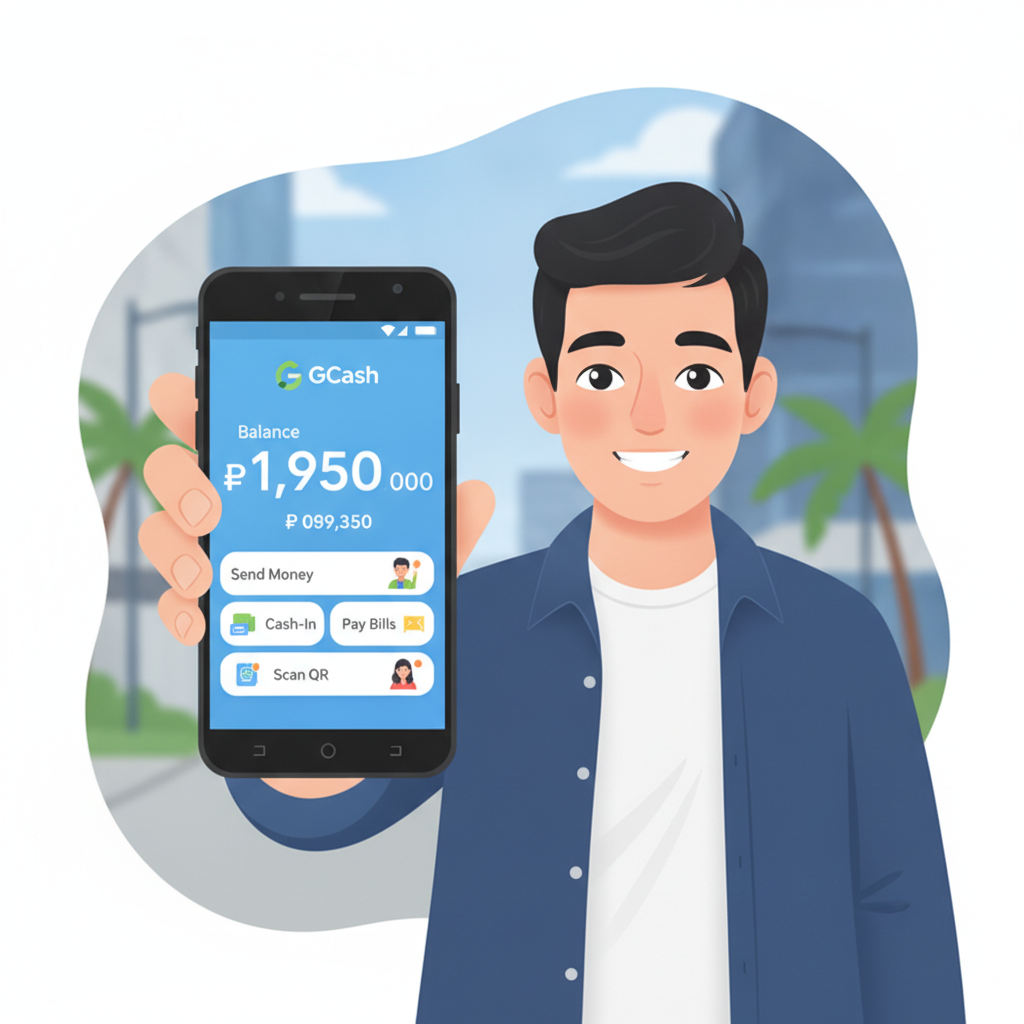
Finding the GCash Deposit Option in the Royale Ritz 777 Cashier
After logging into Royale Ritz 777 on your Android phone or mobile browser, navigate to the cashier or wallet section. The exact label varies—some versions display "Deposit," "Cashier," or a peso icon in the top menu bar. Tap that button to open the list of available payment methods.
Scroll through the options until you see GCash. It is usually grouped with other Philippine e-wallet choices such as Maya or PayMaya. Royale Ritz 777 displays each method with its logo, so look for the blue GCash shield icon. If you do not see GCash immediately, check whether the deposit methods are organized into tabs labeled "E-Wallets," "Bank," or "All." GCash will appear under the e-wallet category.
Once you locate GCash in the list, tap it to proceed. The screen will refresh and present a deposit form specific to GCash transactions. This is where you will enter your funding amount and confirm your GCash account details before completing the payment.
If the GCash option does not appear, verify that your Royale Ritz 777 account is fully verified. Some platforms restrict certain payment methods until a player submits valid ID and completes initial verification steps. Check your account status under "Profile" or "Settings" to confirm everything is approved.
Entering Amount, Verifying GCash Account, and Completing Payment
With the GCash deposit form open, you will see a field asking for the deposit amount in Philippine pesos. Enter the amount you wish to fund, keeping in mind the platform's minimum and maximum limits. For most players making typical deposits between PHP 100 and PHP 500, any value in that range should be accepted without issue.
After entering the amount, double-check the number before tapping "Next" or "Continue." The screen may display a summary of your deposit, including the amount, the payment method, and any applicable fees. Review this information carefully. If everything looks correct, proceed to the confirmation step.
At this point, Royale Ritz 777 will redirect you to the GCash payment gateway or prompt you to open the GCash app if it is installed on your phone. The transition may happen automatically, or you may need to tap a button labeled "Pay with GCash" or "Confirm."
Inside the GCash interface, you will be asked to log in to your GCash account using your MPIN, fingerprint, or face recognition, depending on your security settings. Once authenticated, GCash will display the transaction details: the recipient (Royale Ritz 777 or its payment processor), the amount in pesos, and any reference number. Confirm that the amount matches what you entered in the casino cashier.
Tap "Confirm" or "Pay Now" to authorize the transaction. GCash will deduct the amount from your wallet balance and send a confirmation message. Within seconds, you should see a success notification on your screen. At this stage, GCash has processed the payment and forwarded the funds to Royale Ritz 777.
Return to the Royale Ritz 777 app or browser tab. In most cases, your deposit will reflect in your casino balance within one to three minutes. If the balance does not update immediately, tap the refresh icon in the cashier or close and reopen the app. The funds should appear shortly. If the deposit does not post after five minutes, check your GCash transaction history to confirm the payment went through, then contact Royale Ritz 777 support with your reference number.
Minimum and Maximum GCash Deposit Limits in Pesos
Royale Ritz 777 sets minimum and maximum deposit limits for GCash to accommodate both casual players and those funding larger bankrolls. As of the latest information, the typical minimum GCash deposit is PHP 100. This low entry point matches the deposit habits of many Filipino players who prefer to start with smaller amounts and reload as needed.
The maximum GCash deposit per transaction is usually capped between PHP 10,000 and PHP 50,000, though the exact limit can vary based on account status and verification level. Players who have completed full KYC (know-your-customer) verification, including uploading a valid government ID and proof of address, may be eligible for higher limits. Those still on basic verification tiers may face tighter caps.
If you need to deposit more than the single-transaction maximum, you can make multiple deposits within a 24-hour period. However, be aware that GCash itself imposes daily and monthly transaction limits on your wallet. As of this writing, standard GCash accounts have a monthly wallet limit of PHP 100,000, while fully verified accounts can hold and transact up to PHP 500,000 per month. Keep these GCash wallet caps in mind when planning your deposits.
Before entering a deposit amount, check the cashier screen for any displayed limit messages. Royale Ritz 777 often shows the minimum and maximum allowed for the selected payment method directly beneath the amount field. If your desired deposit falls outside these bounds, the system will display an error when you attempt to proceed.
For players who regularly deposit amounts larger than PHP 50,000, consider splitting transactions across multiple days or using alternative methods such as bank transfer via InstaPay or PESONet. Those methods may offer higher per-transaction limits once your account is fully verified.
GCash Deposit Fees and What Shows on Your Transaction History
One reason many Filipino players choose GCash for online casino deposits is the low or zero fee structure. Royale Ritz 777 typically does not charge a platform fee for GCash deposits, meaning the full amount you send is credited to your casino balance. For example, a PHP 500 deposit results in PHP 500 added to your account.
However, GCash itself may apply transaction fees depending on your account type and the specific promotion or cap in place that month. Fully verified GCash users often enjoy a monthly allocation of free peer-to-peer and merchant transactions. Once that allocation is exhausted, GCash charges a small service fee—usually around PHP 1 to PHP 15—on certain transaction types. Casino deposits typically fall under merchant or biller payments, which may or may not be included in your free transaction quota.
To check whether a fee will apply, look at the transaction summary inside the GCash app before confirming payment. If a service charge is listed, it will be displayed separately from the deposit amount, and both will be deducted from your GCash wallet. For instance, a PHP 300 deposit with a PHP 5 fee means PHP 305 leaves your wallet, but only PHP 300 is credited to Royale Ritz 777.
After completing the deposit, open your GCash app and navigate to your transaction history. You should see a new entry labeled with the merchant name—often something like "Royale Ritz 777," "RR777," or the name of the payment processor the casino uses. The timestamp, amount, and reference number will appear alongside the transaction. Save or screenshot this record if you need proof of payment for support inquiries.
Your GCash transaction history will also display any service fee charged by GCash. If you notice an unexpected deduction, compare the merchant transaction amount to what was credited in your Royale Ritz 777 account. The two should match if the casino does not impose a deposit fee. If there is a discrepancy, contact both GCash customer service and Royale Ritz 777 support with your transaction reference to resolve it.
Keep in mind that while GCash processes deposits instantly, occasional delays can occur due to network congestion or maintenance windows. If your GCash transaction history shows the payment as "Pending," wait a few minutes and check again. Once it moves to "Completed," the funds should post to your casino balance shortly afterward.
Tracking Your Deposit and Troubleshooting Common Issues
After you confirm the GCash payment, Royale Ritz 777 usually posts the deposit within one to three minutes. The casino balance displayed in your account will update automatically once the transaction is verified. If you do not see the funds right away, try these steps:
- Refresh your balance. Tap the refresh icon in the cashier or wallet section, or close and reopen the Royale Ritz 777 app.
- Check your GCash transaction history. Confirm the payment shows as "Completed" and note the reference number.
- Wait five to ten minutes. Network delays occasionally extend processing time, especially during peak hours or promotional events when many players are depositing at once.
- Contact support. If the deposit still does not appear after ten minutes, open the live chat or support page in the Royale Ritz 777 app. Provide your GCash reference number, the deposit amount, and the date and time of the transaction. Support teams can manually verify and credit the deposit.
Another common issue arises when players enter an incorrect amount or exceed their GCash wallet balance. If the GCash app displays an "Insufficient balance" error, top up your GCash wallet through cash-in channels such as 7-Eleven, bank transfer, or remittance centers, then retry the deposit. If you accidentally entered an amount above the maximum limit, reduce the deposit value and try again.
Occasionally, the payment gateway redirect fails and you are returned to the casino cashier without completing the transaction. In this case, check your GCash history to confirm no payment was processed. If GCash shows no record of the transaction, the payment did not go through, and you can safely retry. If GCash shows a completed payment but your casino balance did not update, treat it as a delayed deposit and follow the support contact steps above.
Always keep your GCash MPIN secure and do not share it with anyone. Royale Ritz 777 and GCash will never ask for your MPIN via email, SMS, or chat. If you receive such a request, it is a phishing attempt. Report it immediately and change your credentials.
21+ Only, Play Responsibly
Royale Ritz 777 is intended for players aged 21 and over. Online betting can be entertaining, but it is important to deposit only what you can afford to lose. Set a budget before you fund your account and stick to it. If you feel gambling is affecting your finances or well-being, take a break and seek support. Play responsibly and treat deposits as an entertainment expense, not a way to make money.
GCash deposits offer a fast, secure, and convenient funding method for Filipino players who want to start playing slots, live dealer games, or sports betting on PBA and NBA without complicated bank forms. By understanding the cashier flow, limits, fees, and transaction history, you can manage your funds confidently and troubleshoot issues when they arise.